Roxel
A downloadable tool for Windows and macOS
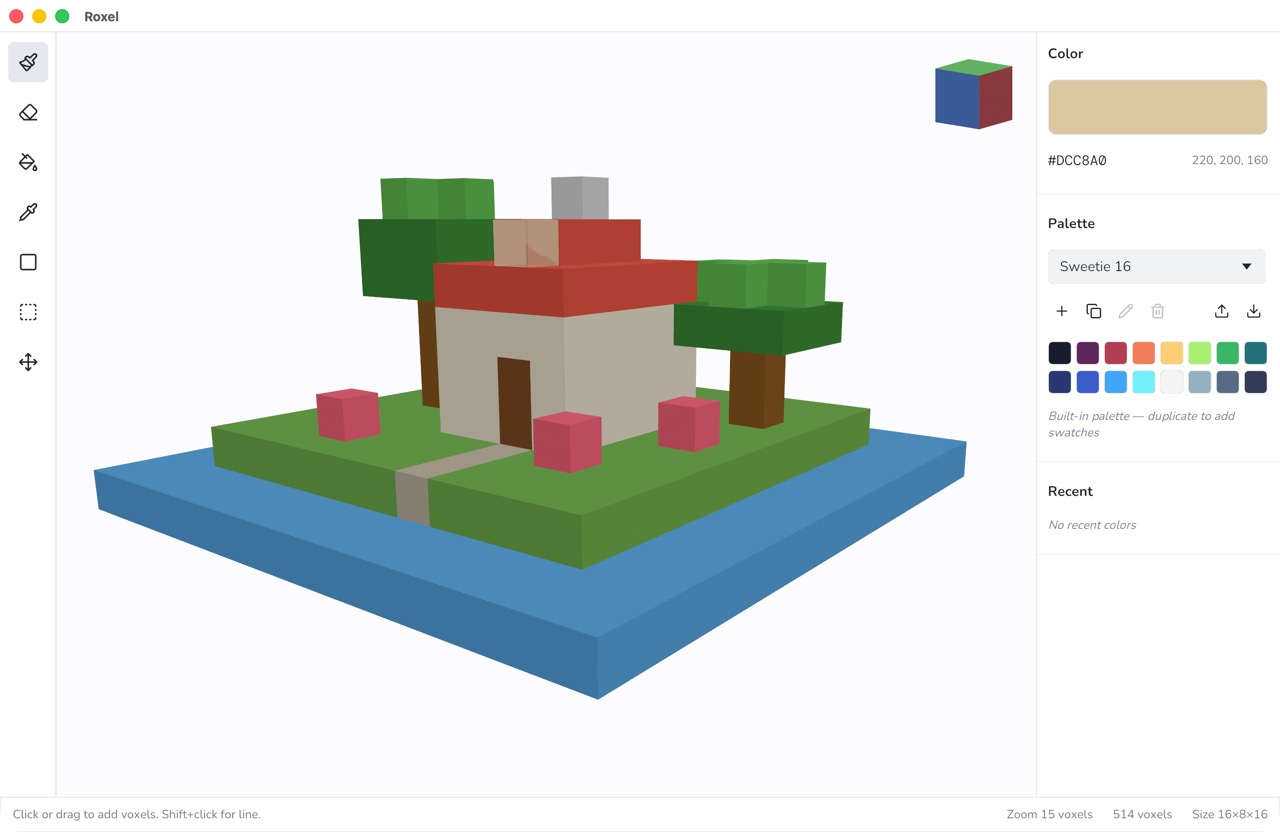
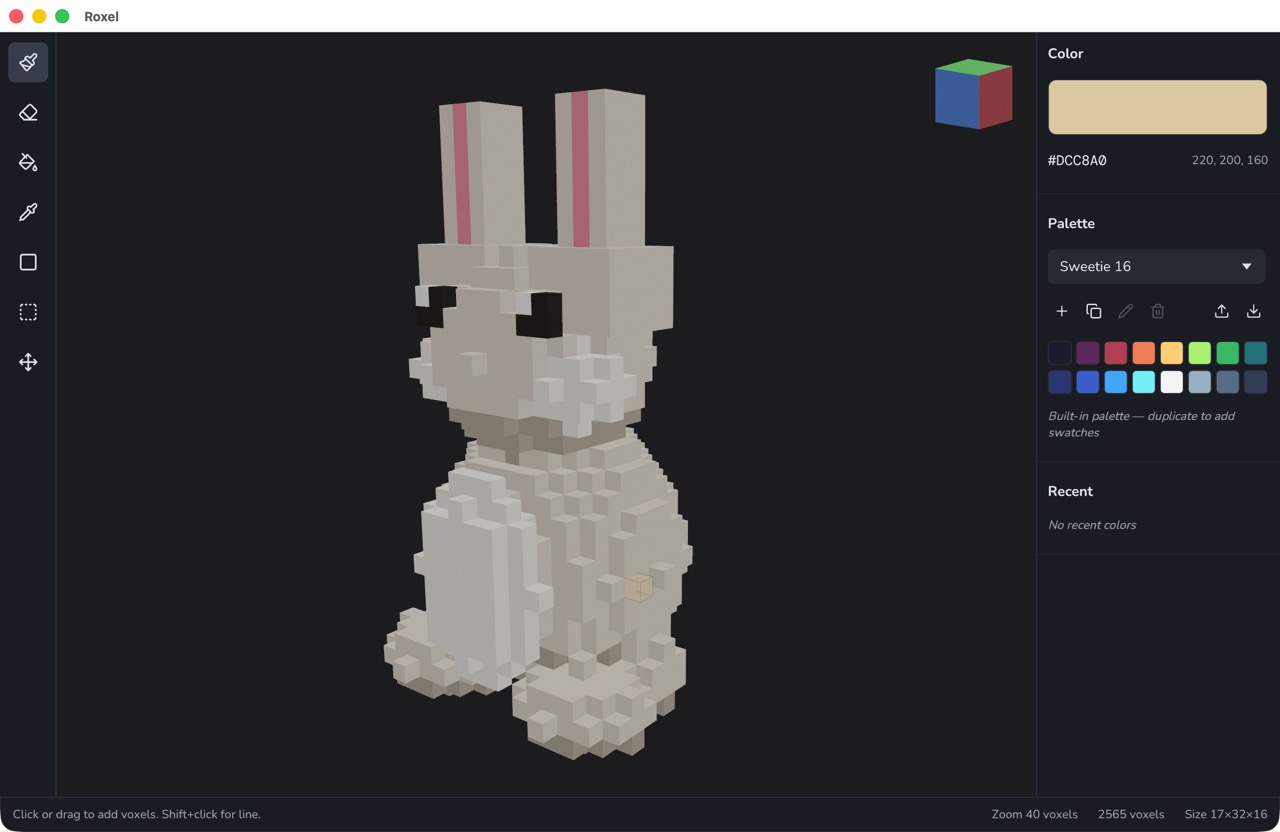
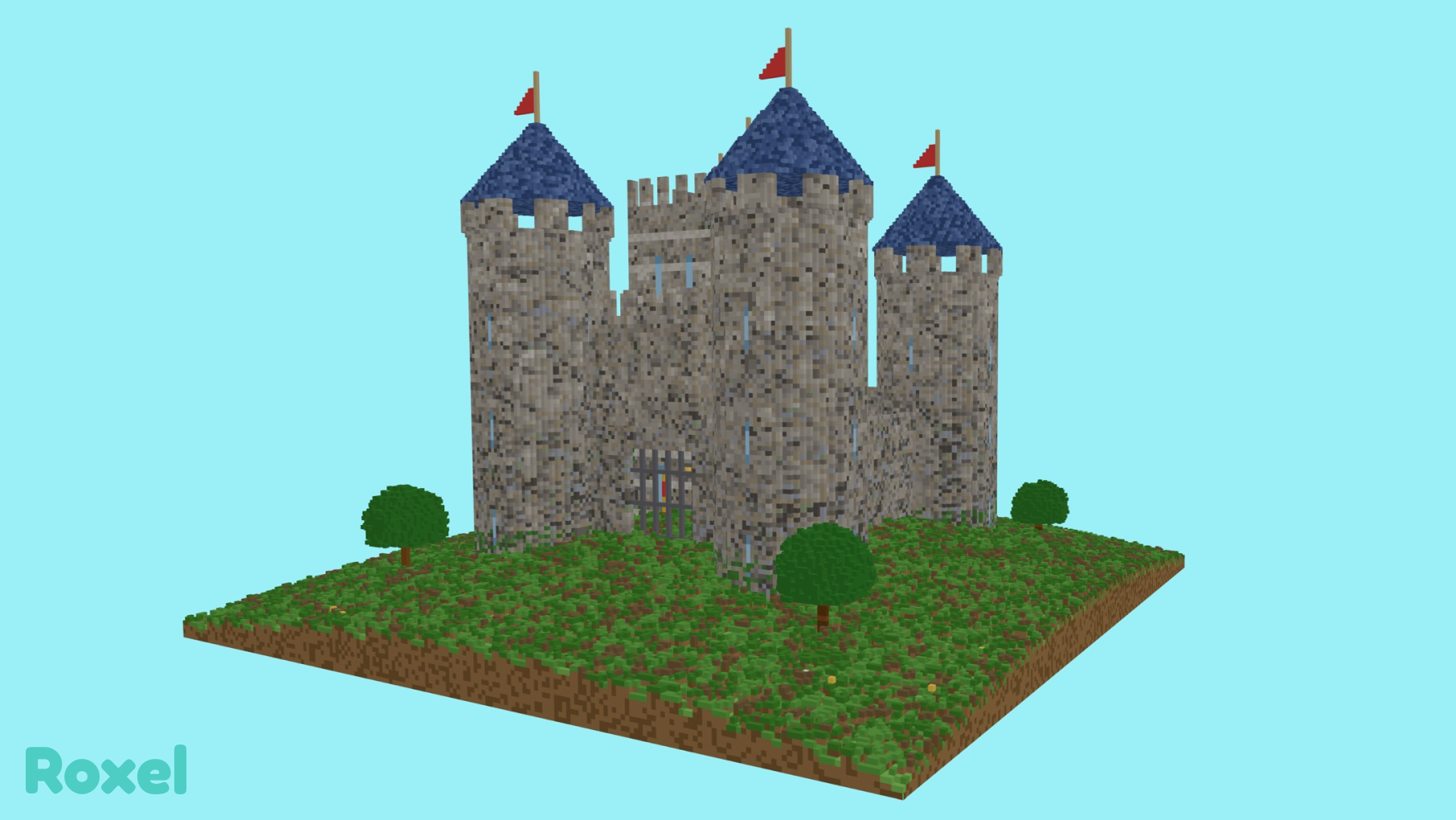
Roxel is a lightweight, open-source, desktop voxel editor for hobbyists and indie creators. It's simple to learn, fun to use, and nice to look at. Paint on an open-world 3D grid, import from other tools, and export to whatever your pipeline needs — all in a clean, approachable interface.
Tools
- Brush, erase, recolor, eyedrop, shape, select, and move
- Shape tool: rectangle, ellipse, and line — draw flat on a build plane or extrude into 3D boxes, cylinders, and lines
- Select tool: drag a 3D region, then bulk delete or recolor
- Move tool: drag a voxel along a face plane or nudge with arrow keys
- Shift+click to draw a line between the last placed voxel and the cursor
Palettes
- Built-in: Sweetie 16, PICO-8, DawnBringer 16/32, Endesga 32, NA16, Basic
- User palettes with add, duplicate, rename, reorder, and delete
- Import / export Adobe Swatch Exchange
.asefiles
Import & Export
- Open: MagicaVoxel
.vox, Qubicle.qb, Goxel.gox - Save:
.roxproject files - Export:
.vox,.gox,.obj,.fbx,.glb(Unity/Godot ready),.png,.svg
Other
- Open-world grid — paint anywhere on X/Z, as high as memory allows
- Light / Dark / System themes with customizable canvas and floor colors
- Optional floor grid lines and RGB axis triad at world origin
License
MIT — free to use, fork, and build on.
Source
github.com/starzonmyarmz/roxel
Download
Click download now to get access to the following files: